
Brasero
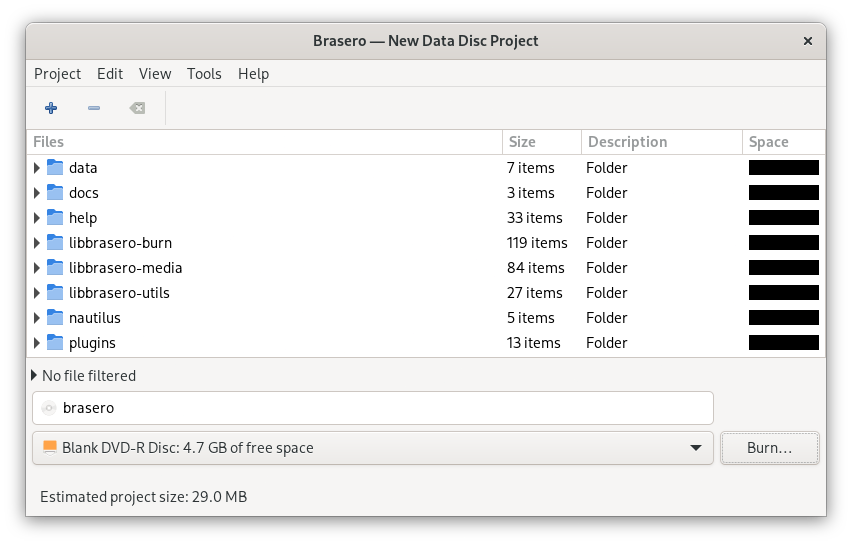
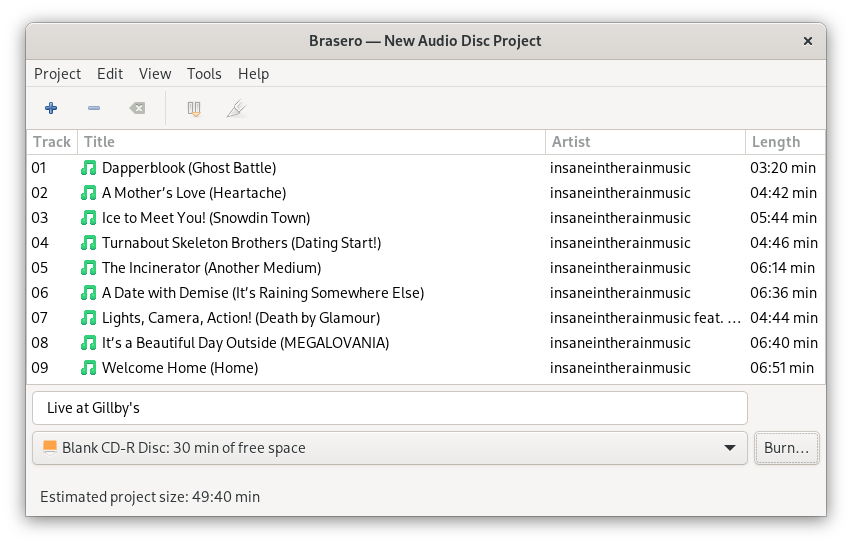
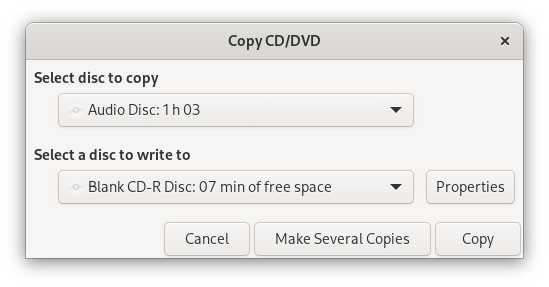
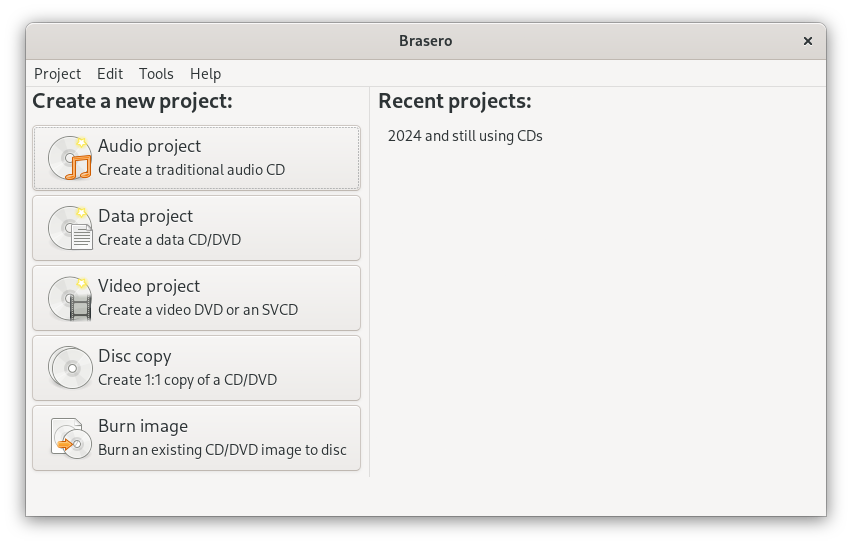
Discover Brasero, the premier Linux application to burn CD and DVD media. Read our full review of its features, user interface, and overall performance.
A Seamless Disc Burning Experience on Linux
Finding a reliable application to burn CD/DVD projects on Linux can sometimes feel like a chore, but Brasero simplifies the entire process. Designed specifically for the GNOME Desktop, this utility strips away the unnecessary complexity often found in older burning suites. Instead, it delivers a clean, intuitive drag-and-drop interface that lets you focus on compiling your media rather than fighting with configuration menus.
Whether you need to archive important datasets, duplicate existing media, or compile a custom audio playlist for an older car stereo, Brasero offers a dependable, native environment to get the job done quickly.
Key Features of the Brasero CD/DVD Burner
Despite its minimalist appearance, this utility packs all the essential features required for modern disc authoring:
- Multi-Format Authoring: Easily create, copy, and write both Data and Audio CD/DVDs.
- Advanced Disc Extensions: Full native support for CD-TEXT, multisession burning, and Joliet file system extensions.
- Effortless Drag-and-Drop: Import files directly from your local file manager or remote network shares without complex import wizards.
- Disc Duplication: Clone existing non-copy-protected discs with 1:1 precision.
Who is Brasero For?
Brasero is the ideal tool for Linux users who value simplicity and integration. If you are running the GNOME desktop environment, it feels like a natural extension of your operating system. It is perfect for system administrators archiving logs, music enthusiasts maintaining physical audio collections, and everyday desktop users who occasionally need to write ISO images to physical media without dealing with overly technical command-line utilities.
Our Verdict
The developer team behind Brasero has succeeded in creating a utility that is both highly functional and incredibly approachable. If you need to burn physical discs on a Linux workstation, this application is one of the most reliable and straightforward options available today. To try it out for yourself, visit the official Flathub store page to get started.