Servers for Online Games
Discover how Servers for Online Games lets you launch and manage custom Minecraft multiplayer worlds on Windows. Read our full editorial review here.
The Ultimate Solution for Custom Multiplayer Worlds
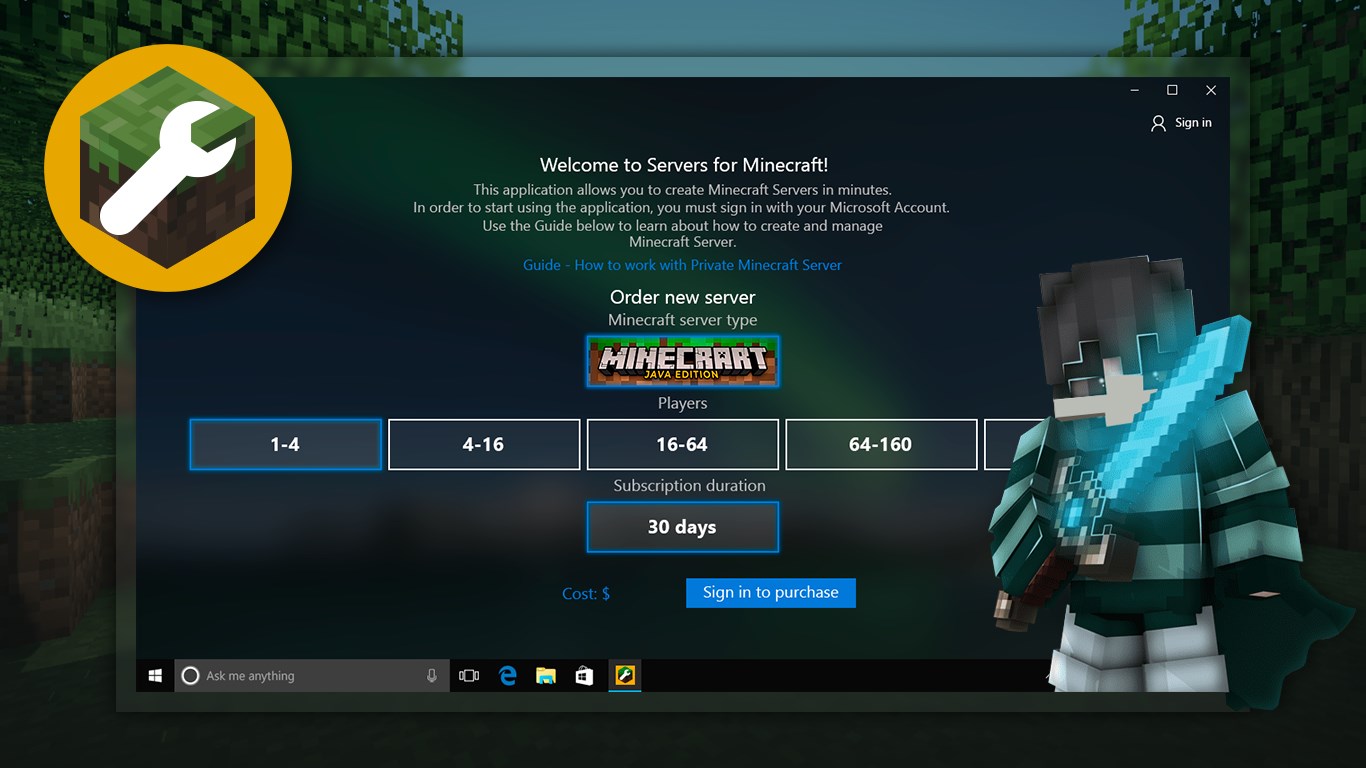
Picture this: you and your friends want to embark on a massive building project in Minecraft, but public lobbies are too crowded, chaotic, or heavily restricted. You want a private world where you control the rules, the map size, and the difficulty, but setting up a dedicated server manually feels like trying to write code in the dark. This is where Servers for Online Games Minecraft server creation software steps in to bridge the gap, allowing you to deploy your own dedicated environment in a matter of seconds.
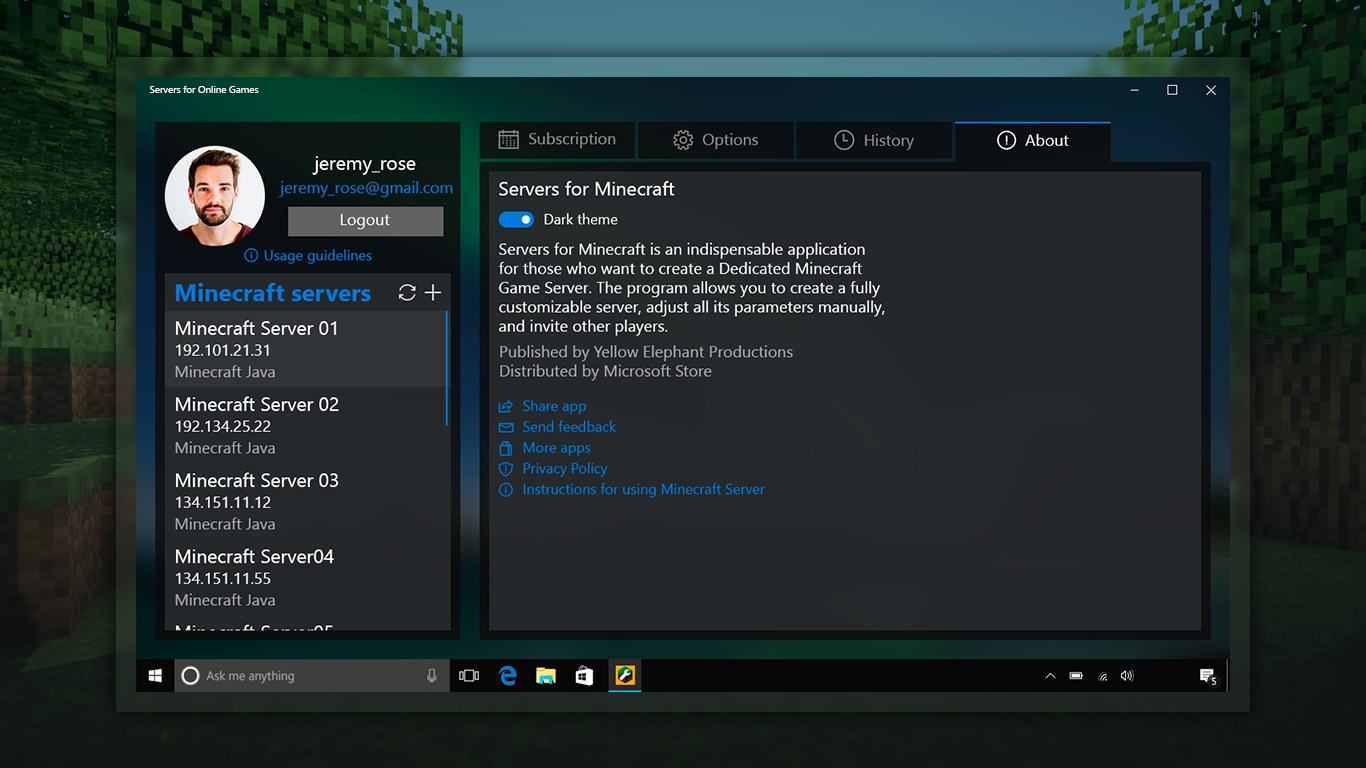
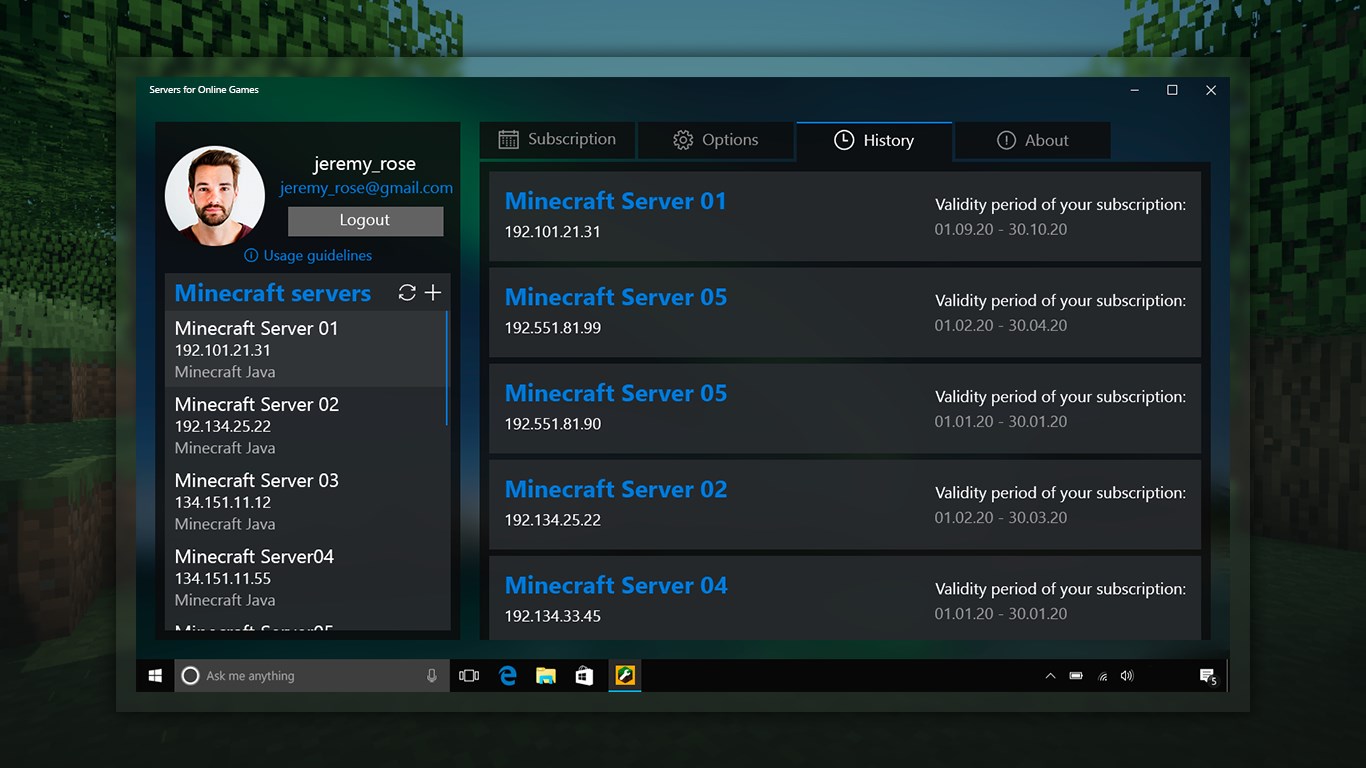
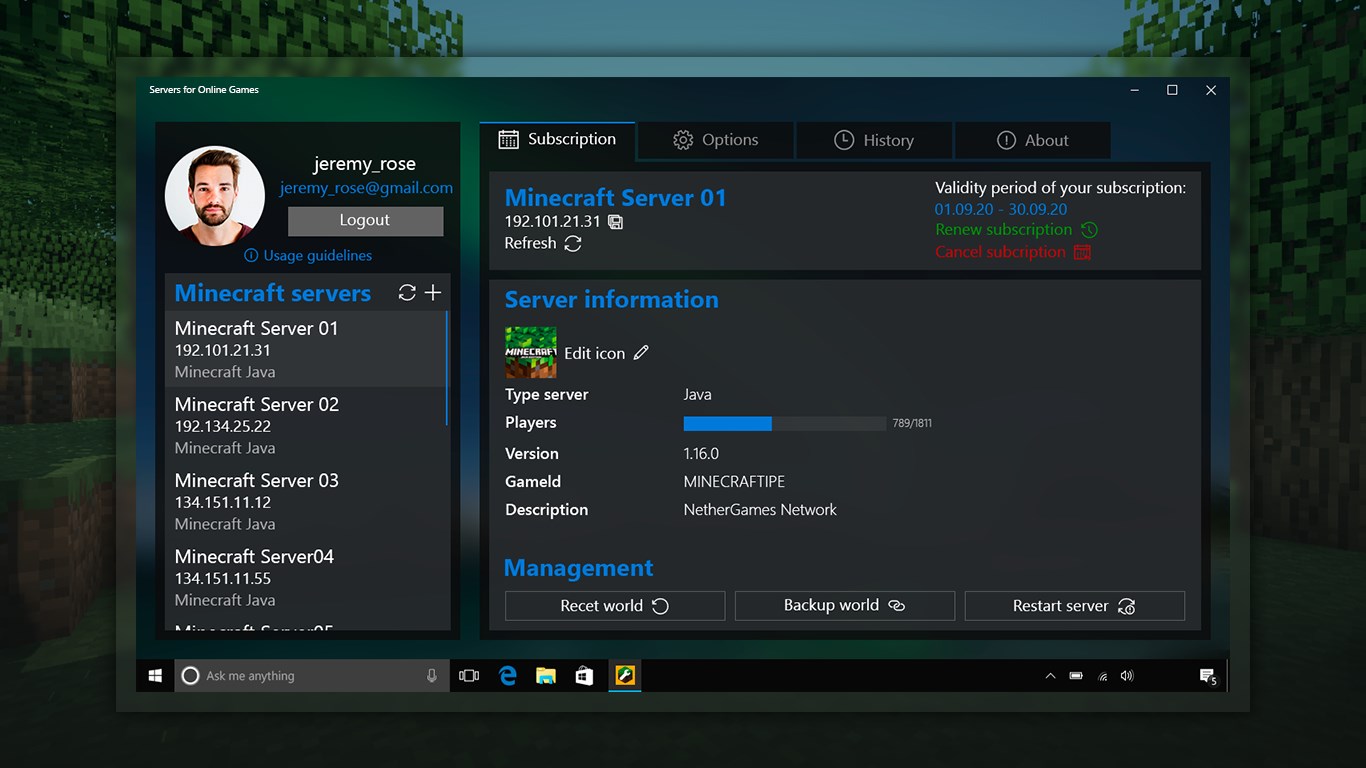
Developed by Yellow Elephant Productions for Windows, this utility simplifies the entire hosting process. Instead of dealing with complex port forwarding or confusing command-line interfaces, you get a clean dashboard designed to launch personalized environments instantly.
Take Control of Your Sandbox Environment
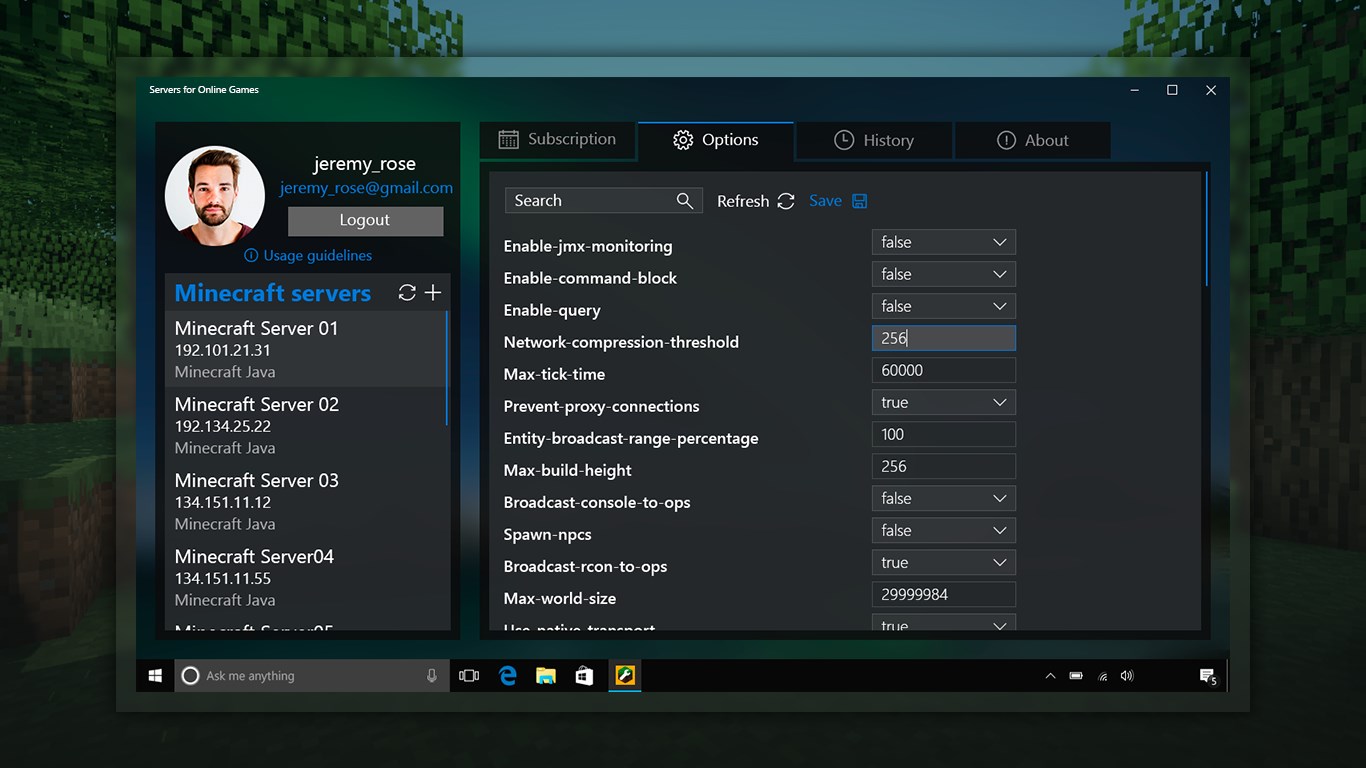
Having your own dedicated space changes how you experience sandbox gameplay. With this application, you are no longer just a player; you are the administrator of your world. The software provides a straightforward toolkit to adjust parameters that normally require deep technical knowledge.
Key Customization Options Available:
- Player Limits: Set the exact maximum capacity for your community to prevent lag or keep things intimate.
- World Dimensions: Adjust the map size to suit your gameplay goals, whether you want a compact arena or an infinite horizon.
- Game Modes & Difficulty: Toggle between Survival, Creative, or Adventure modes, and scale the difficulty to match your group's skill level.
- Seamless Connections: Friends can join instantly by launching their standard game client, navigating to multiplayer, and entering your unique IP address.
Who Is This Tool Designed For?
This software is perfect for players who want to build themed worlds, recreate scenes from their favorite books or films, or simply enjoy a private survival experience with family. Because Minecraft runs incredibly well on lower-spec machines, you do not need a high-end enterprise rig to host your friends—making this app an accessible gateway to multiplayer hosting for everyone.
Our Editorial Verdict
If you want to skip the headache of manual server configuration, this tool provides a highly reliable, streamlined shortcut. Ready to build your custom kingdom? You can check out the official listing and acquire the app on the Microsoft Store.